 HioBuy
Fix CHANNEL_NOT_AUTHORIZED: Authorize 1688 and Taobao Before Product Search
Production product and image search return CHANNEL_NOT_AUTHORIZED until your app authorizes 1688 or Taobao in the portal. API key alone is not enough.
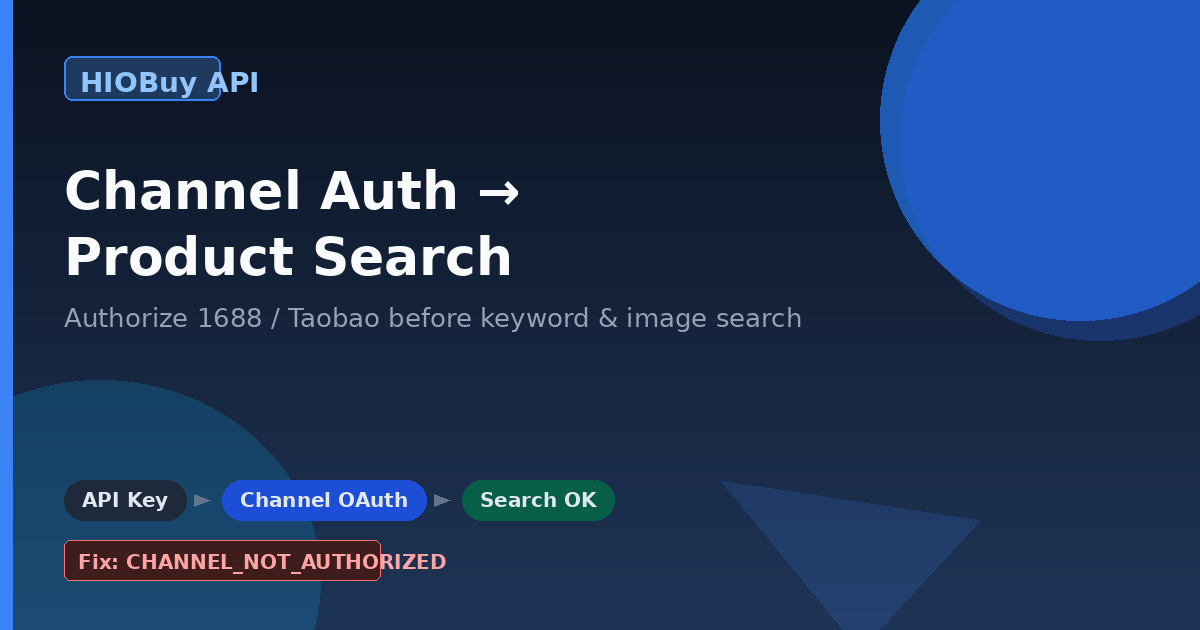
Fix CHANNEL_NOT_AUTHORIZED: Authorize 1688 and Taobao Before Product Search
You created an API key. You pasted it into your backend. You called POST /v1/products/search — and production returned CHANNEL_NOT_AUTHORIZED.
That response is not a broken key. It means the app has not authorized the marketplace channel you asked for. Product search, image search, and detail for 1688 or Taobao all need channel authorization in the developer portal on top of the Bearer token.
This guide walks through the usual failure modes teams hit when they wire catalog discovery into a real sourcing or checkout flow: API key vs channel auth, sandbox vs production, why image search does not need a special permission toggle, how self-fulfillment and warehouse modes authorize differently, and what to send support when calls still fail.
You keep the storefront. HioBuy is the gateway between your backend and the marketplaces.
What you are solving
Your backend needs to:
- Discover products on 1688 or Taobao (keyword or image).
- Load detail and a purchasable SKU matrix.
- Move into order preview / create / pay when the buyer checks out on your site.
None of those Product API calls work in production until the app authorizes the channel. An API key alone is not enough.
Base URL: https://api.hiobuy.com/v1.
Portal: https://developers.hiobuy.com.
API key created
      │
      ▼
Authorize channel in portal
  (self: per-channel OAuth
   warehouse: WH-DEV binds channels)
      │
      ▼
POST /v1/products/search
POST /v1/products/search-by-image
POST /v1/products/detail
      │
      ▼
Order preview → create → pay
API key vs channel authorization
Authentication has two layers. Both are required for production product calls.
| Layer | What it proves | Where you set it |
|---|---|---|
| API key | Your app may call the Public API | Header Authorization: Bearer … |
| Channel authorization | Your app may use that marketplace channel | Developer portal (OAuth or warehouse bind) |
If the key is valid but the channel is not authorized, product routes return CHANNEL_NOT_AUTHORIZED. Official docs describe this as: the application has not authorized the requested channel.
There is no shared HioBuy “catalog-only” channel that skips marketplace auth for production search. Production catalog data requires your own authorized 1688 or Taobao buyer account flow in the portal.
Read: Authentication and Fulfillment setup.
Sandbox vs production for search
Teams often mix environments and then blame the key.
Sandbox
- You can test product search and image search without connecting a real 1688 account.
- Responses use sandbox test data so you can wire your client, parsers, and UI.
- Use sandbox to prove request shape, pagination, and error handling — not to validate live catalog inventory.
Production
- Authorize your own 1688 (or Taobao) buyer account for the app.
- Keyword and image search then hit real marketplace catalog data through the gateway.
- Detail, parse, and later order routes follow the same authorized channel.
If production search fails with CHANNEL_NOT_AUTHORIZED while sandbox “worked,” that is expected until portal authorization is complete for that channel.
Image search is not a separate permission
Image search is part of the Product Search surface — not a separate product that needs its own enablement toggle.
Typical calls (documented on the Products overview):
POST /v1/products/upload-image— get animage_idPOST /v1/products/search-by-image— search withimage_id, orimage_base64/image_urlin one callPOST /v1/products/search— keyword searchGET /v1/products/channels— live capability flags
The portal may surface INSUFFICIENT_SCOPE around image search in some setups. The practical fix is still the same as keyword search: finish channel authorization, confirm you are calling the environment you think you are (sandbox vs production), and verify the channel supports image search. Do not hunt for a hidden image_search permission switch that is separate from Product Search channel auth.
Official product surface: Products.
How to authorize (self fulfillment vs warehouse)
Authorization shape depends on how your app fulfills.
Self fulfillment
- Authorize per channel with OAuth in the portal.
- Complete 1688 and/or Taobao (and other channels you need) before calling product or order routes for that marketplace.
- After OAuth succeeds, retry the same product endpoint that previously returned
CHANNEL_NOT_AUTHORIZED.
Warehouse fulfillment
- One warehouse developer code (
WH-DEV) binds channels for the warehouse mode. - Bind the channels you need through the warehouse setup flow, then call product APIs for those channels.
Details and mode differences: Fulfillment setup.
After authorization, keep one checklist in your runbook:
- Confirm app id and environment (sandbox vs production).
- Confirm the channel string you send matches an authorized channel.
- Call
GET /v1/products/channelsand check capability flags before assuming keyword or image search exists for that marketplace. - Retry search with a small page size.
Channel capabilities
Do not hard-code assumptions. Prefer GET /v1/products/channels for live flags. Docs describe the public capability matrix roughly as:
| Capability | 1688 | Taobao | Weidian |
|---|---|---|---|
| Detail | yes | yes | yes |
Keyword search (POST /v1/products/search) | yes | yes | no |
Image search (POST /v1/products/search-by-image) | yes | yes | no |
URL parse (POST /v1/products/parse) | yes | yes | yes |
Weidian supports detail and parse, but not keyword or image search in the Public API. For Weidian discovery, use URL parse or detail with a known identifier — not search.
Acceptable use and quotas (high level)
Product APIs exist to support real sourcing, checkout, and procurement on top of your own storefront. Pure bulk market-research or competitor scraping without a commercial transaction flow is not a supported use case. Read the acceptable-use guidance on the main API docs before you design a catalog-only pipeline.
When traffic grows:
- Start production with small request volumes while you validate authorization and response quality.
- Watch for documented limit errors such as
RATE_LIMIT_EXCEEDEDandQUOTA_EXCEEDED(see Errors docs). - Back off and reduce concurrency when those codes appear. Do not invent pricing tables — check your plan and the official docs.
Start here: API docs and Errors.
When calls still fail: what to send to support
If you still see failures after channel auth, support needs production evidence — not a paraphrased screenshot of your local logs.
Always preserve and send:
- Full error body (code, message, category if present)
request_idfrom the response- Endpoint path and HTTP method
- Approximate timestamp (include timezone)
- Environment (sandbox vs production) and channel you requested
- Whether the call was keyword search, image search, upload-image, detail, or parse
Common codes you may see (definitions in the Errors doc):
CHANNEL_NOT_AUTHORIZED— app has not authorized the requested channelINSUFFICIENT_SCOPE— scope / capability mismatch; often still fixed by channel auth or environment alignment for Product SearchRATE_LIMIT_EXCEEDED/QUOTA_EXCEEDED— slow down or check plan limitsCHANNEL_UPSTREAM_ERROR— upstream marketplace issue; retry with backoff and keeprequest_id
Intermittent 403 responses in production need those same production request_ids for investigation. Do not invent private meanings for undocumented numeric codes — cite the official Errors page and attach the raw body.
Contact path for technical API issues: use your developer support channel with the fields above (for HioBuy developers, support@hiobuy.com is the public support mailbox referenced in operations).
Next steps
Once search returns real hits:
- Resolve detail with
POST /v1/products/detail(or parse a URL withPOST /v1/products/parse). - Map the opaque product
idandvariants[].sku_idinto order lines — do not invent identifiers. - Call order preview → create → pay on your procurement path.
- For international shipping after goods arrive in China warehouse mode, use fulfillment routes — separate from product search.
Reading order for new integrators:
Bottom line: create the key, authorize the channel, then search. Image search rides the same Product Search authorization. Sandbox proves the client; production needs your own marketplace auth. Keep request_ids when anything fails.
Next step
If you already understand the workflow, move to the API reference for exact request and response fields, or open the developer console to create your application.
Ready to build?
Open the API documentation or create your HioBuy developer application.